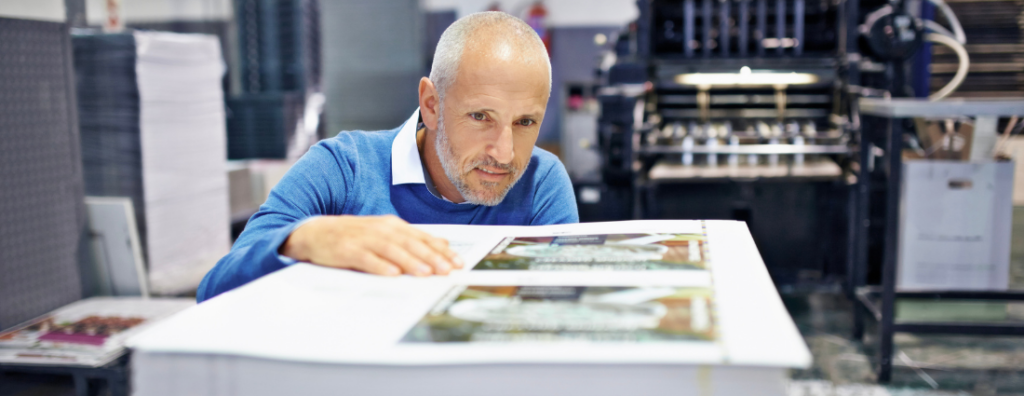
Whether you’re printing business cards, brochures, booklets or posters, supplying print-ready artwork is one of the easiest ways to ensure a smooth production process and a high-quality finished product. Spending a little extra time preparing your files can help avoid delays, unexpected costs and disappointing results.
Here are a few key things to check before sending your artwork to print.
1. Use the right file format
A high-quality PDF is the preferred file format for most commercial printers, including us. PDFs preserve fonts, images and layout, ensuring your document prints exactly as intended. Nearly every platform that you create your design in will have the option to export as a print-ready PDF.
2. Set images to the correct resolution
Images that look sharp on screen can appear blurry when printed if they don’t have a high enough resolution. As a general rule, images should be at least 300 dpi (dots per inch) at their final printed size.
Avoid enlarging small images, as this reduces their quality and can result in pixelation.
3. Design in CMYK where possible
Computer screens display colours using RGB, while commercial printers use CMYK inks. Because these colour systems work differently, colours can sometimes look different in print than they do on screen.
If your design software allows it, create your artwork in CMYK from the beginning to achieve more predictable printed colours.
4. Include bleed and crop marks
If your design includes colour, images or graphics that extend right to the edge of the page, you’ll need to include bleed. Bleed is the extra area that extends beyond the finished trim size, helping ensure there are no unwanted white edges after the document is cut.
We recommend a 3 mm bleed on all sides. Crop marks should also be included so the finished piece can be trimmed accurately. If bleed is not provided there may be an additional charge depending on the complexity of the file.
5. Proofread carefully
Before sending your artwork, take the time to check spelling, grammar, phone numbers, email addresses and website links. It’s often helpful to ask someone else to review the document too—fresh eyes can catch mistakes that are easy to overlook.
6. Ask questions if you’re unsure
Every print project is a little different, and it’s always easier to resolve potential issues before production begins. If you’re unsure about file setup, paper sizes, finishes or artwork requirements, don’t hesitate to ask us for advice.
A smoother printing experience
Preparing your artwork correctly helps your print project move through production efficiently while ensuring the finished product looks its best. And if you’re not confident setting up your files, that’s perfectly okay.
At Tadpac, we’re always happy to review artwork before printing and provide guidance if anything needs adjusting. A quick file check can save time, reduce stress and help deliver a professional result you’ll be proud to share.